Flowchart
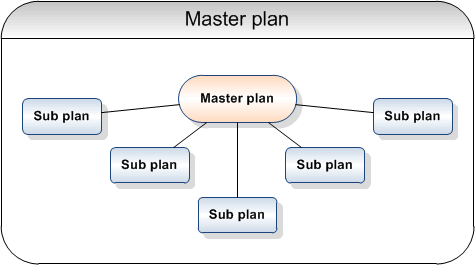
This function can be used to create details for a demand plan by linking it to one or several subordinate demand plans. These are referred to as master plans and sub plans. By copying a number of sub plans with a common item or customer key to a master plan, you can run the IC calculation once instead of for each individual sub plan.
The demand plans you copy must have the same hierarchy code, from/to period/year and period type as the master plan. When the sub plans have been copied to the master plan, the master plan can be activated and updated in the IC calculation. All sub plans will be updated along with the master plan.
Note: Sub plans cannot be set to status Activated, and they cannot update the BIW. When a master plan is rolled, all sub plans that are linked to the master plan are also rolled.
See Demand plan process for an overview of the process steps and the order in which these actions should be taken.
Enquiries and printouts
- Work with Demand Plan, Where Used
This enquiry displays the master plans in which the selected demand plan is used. - Work with Demand Plan, Included plans
This enquiry displays the sub plans that are connected to the selected demand plan. - Demand plan printout
This printout routine is accessed from Work with demand plan and from the demand plan drill-down when the Print option is selected. Selections can be made on the key level from which the routine is accessed.